The initial question 'What can I help with?' followed by the typing of a specific problem 'how to install a WordPress cookie banner'.
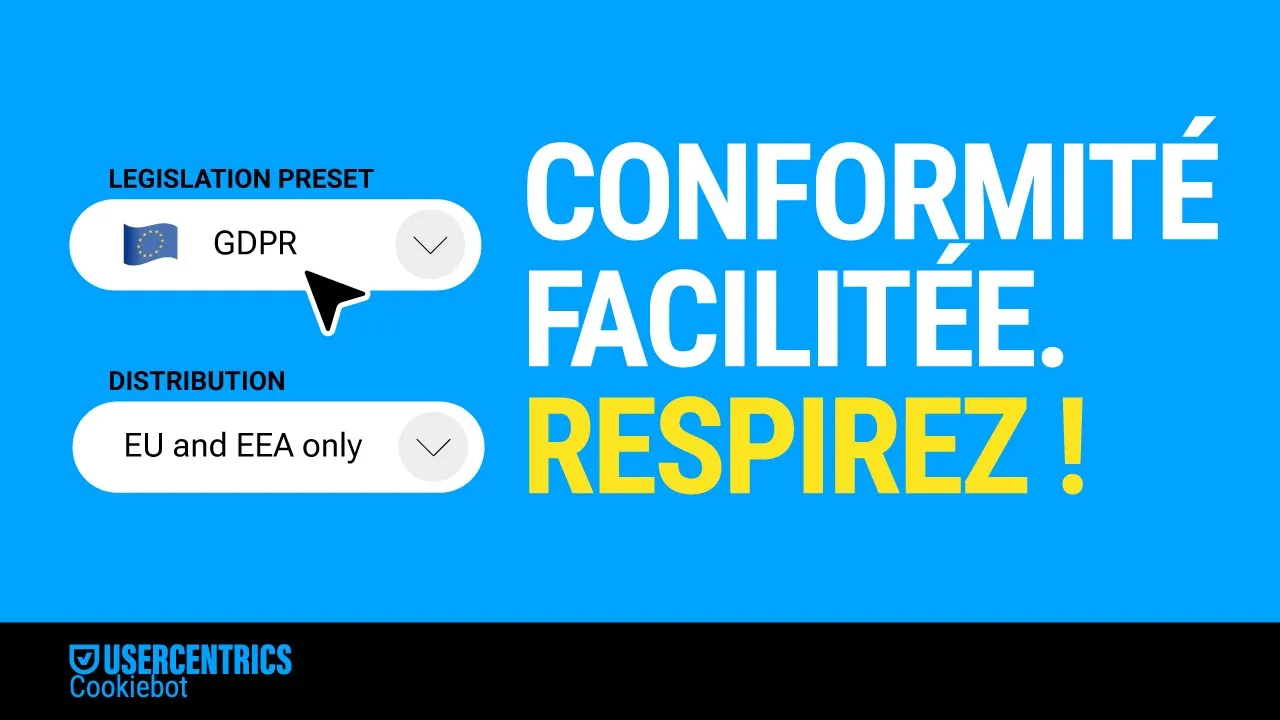
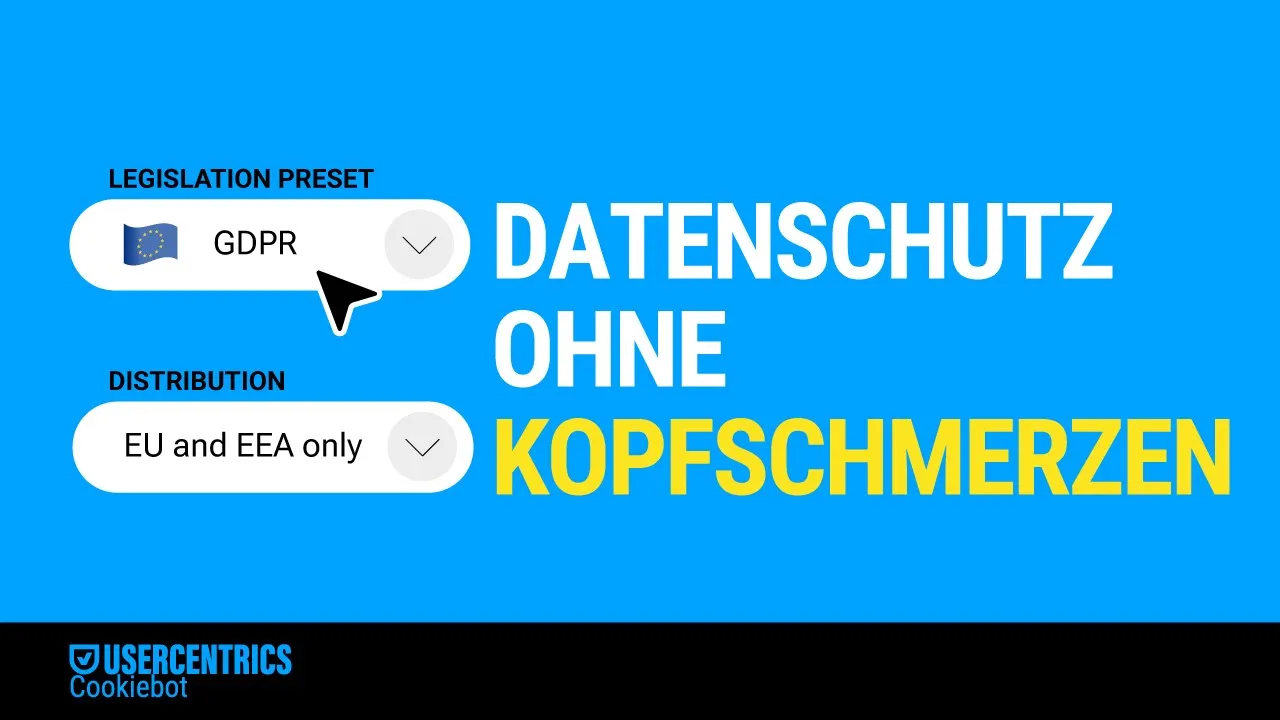
The video starts with a dark background and a search bar. Text appears asking 'What can I help with?'. A cursor types 'how to install a WordPress cookie banner'. The screen transitions to show a blue shield with a checkmark, then an arrow pointing to the WordPress logo. The interface of a WordPress plugin called 'Usercentrics Cookiebot' is shown, with options to 'Activate your banner', 'Scan website', and 'Upgrade your plan'. The 'Scan website' progress bar shows 'In Progress' and then 'Done'. The video then shows customization options for the cookie banner, including logo upload and button colors. It then shows integration options with different legislation presets like GDPR and CCPA/CPRA. Finally, it displays a website with a cookie banner and then shows several badges and statistics, including 'Certified CMP Partner', 'IAB Europe Transparency and Consent Framework', 'Based on 50+ reviews', and 'Leader Winter 2025'. The video ends with the Usercentrics Cookiebot logo and a call to action.
Usercentrics Cookiebot — WordPress Plugin
- Brand
- Usercentrics
- Landing page
- Domain
- cookiebot.com
- Language
- EN
- Countries
- FR